Improve perceived store speed by removing unnecessary weight and testing real pages instead of chasing a perfect synthetic score. This guide focuses on decisions a small or growing merchant can apply without adding unnecessary complexity. The goal is a store experience that is understandable to customers and workable for the people who process the order.
For app-specific context, you can also use the Instant COD App Guide and the installation guide alongside this article.
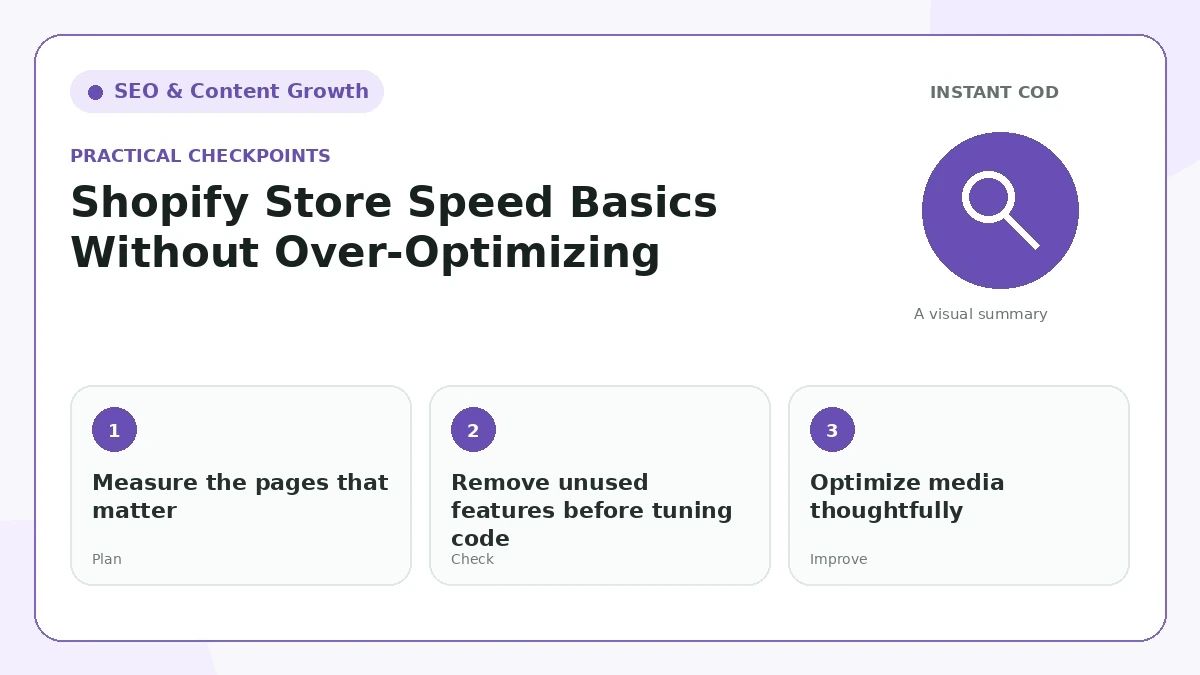
Measure the pages that matter
Test the homepage, a typical collection, and the product pages receiving traffic. A store can have a fast homepage and a slow product template because of app scripts, images, or widgets.
For “Measure the pages that matter,” make the change in a way your team can explain in one sentence. Then place a test order or open the public page as a customer would. If the result needs a long internal explanation, the customer-facing version is probably still too complicated.
Remove unused features before tuning code
Old apps, duplicate tracking scripts, abandoned popups, and heavy review widgets often add more delay than theme CSS. Simplifying the stack can produce larger improvements than micro-optimizing individual lines of code.
This part of the workflow should match the wording elsewhere on the site. Compare “Remove unused features before tuning code” with the product page, policy pages, form labels, and confirmation message so a buyer does not receive two different versions of the same promise.
Optimize media thoughtfully
Compress images, use appropriate dimensions, and avoid autoplay video above the fold unless it is essential. Lazy-load below-the-fold media where the theme supports it.
A useful check for “Optimize media thoughtfully” is to look at recent support questions and failed orders. Repeated confusion is evidence that the page or process needs clearer information, even when the design itself looks polished.
Protect interaction quality
A page that looks loaded but ignores taps is frustrating. Watch for scripts that block the main thread, sliders that move content unexpectedly, and popups that appear during the first interaction.
Keep “Protect interaction quality” easy to maintain. Prefer a rule or piece of content that can be updated in one place, documented for staff, and tested after a theme, app, courier, or policy change.
Do not break functionality for a score
Removing required app scripts or deferring everything blindly can break checkout, analytics, or accessibility. Make one change at a time and test the real customer journey after each change.
On mobile, review “Do not break functionality for a score” with limited screen space and a slower connection in mind. Important information should remain readable without relying on hover effects, tiny helper text, or a sequence of popups.
Recheck after major theme or app changes
Performance is not a one-time task. New banners, apps, tracking tools, and product media can change page behavior, so keep a lightweight review process.
Finally, do not treat “Recheck after major theme or app changes” as permanent. Revisit it after enough real orders or search data has accumulated. Small stores improve faster when they compare outcomes before and after a change instead of following a fixed template forever.
Practical review checklist
- Test the experience on a real mobile device.
- Keep customer-facing wording consistent with the store’s actual process.
- Make important support and policy information easy to find.
- Review the resulting Shopify order or public page, not only the front-end design.
- Update the guide or workflow when the platform or business process changes.
What a good implementation looks like
A strong implementation of Shopify Store Speed Basics Without Over-Optimizing feels ordinary to the customer in the best sense: the next action is obvious, the wording matches what actually happens, and important details are available without searching through several pages. For the merchant, the same setup should create information that is easy to find in Shopify or in the public site editor. If a process depends on one staff member remembering a workaround, it is not finished yet. Document the decision, test it after changes, and keep the public explanation aligned with the real operation.
Continue with related guides
For the next step, you can also read Sitemaps, Robots.txt, and Canonical URLs: Store SEO Basics How to Display Shipping Fees Before a COD Order. The resource library keeps related COD, store setup, shipping, trust, and SEO topics in five focused categories.
Official references
For platform-specific details, review Google SEO Starter Guide and Google Search Console documentation. Platform behavior and policies can change, so primary documentation should be checked when a decision depends on a current rule.
Final takeaway
A professional ecommerce workflow is usually the result of many small decisions being consistent: clear wording, realistic expectations, useful customer details, accessible support, and a process the team can actually follow. Keep the implementation simple enough to maintain, then improve it using real order and support data.
Frequently Asked Questions
What is the main goal of Shopify Store Speed Basics Without Over-Optimizing?
Improve perceived store speed by removing unnecessary weight and testing real pages instead of chasing a perfect synthetic score.
Will this automatically improve search rankings?
No single SEO change guarantees rankings. Make the page genuinely useful, keep technical basics correct, and measure Search Console and business results over time.
How long should I wait before judging an SEO change?
Allow time for recrawling and enough data to build a pattern. A few weeks of Search Console data is usually more useful than reacting to individual daily movements.
What should I measure after publishing or updating the page?
Review impressions, clicks, relevant search queries, engagement, internal-link behavior, and business outcomes such as product views, add-to-cart activity, leads, or orders.